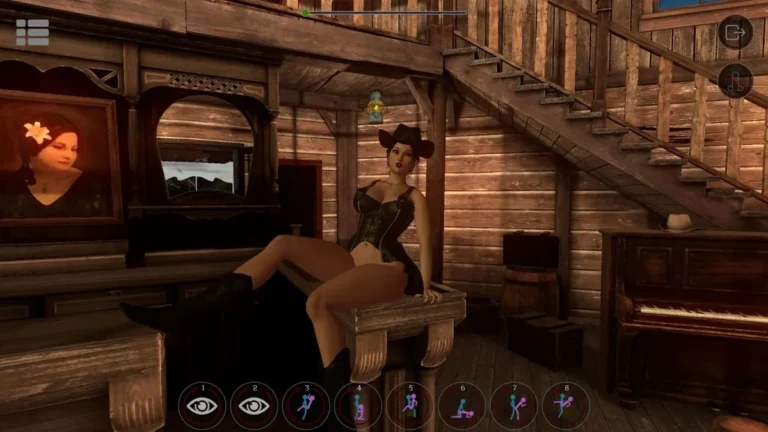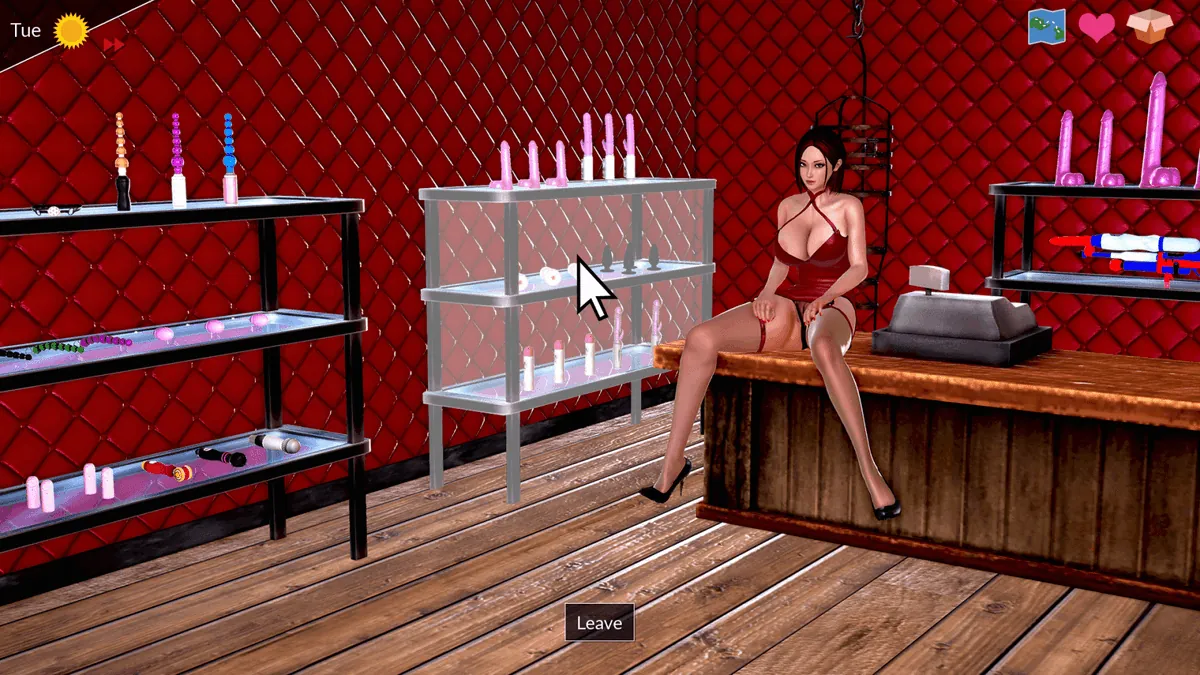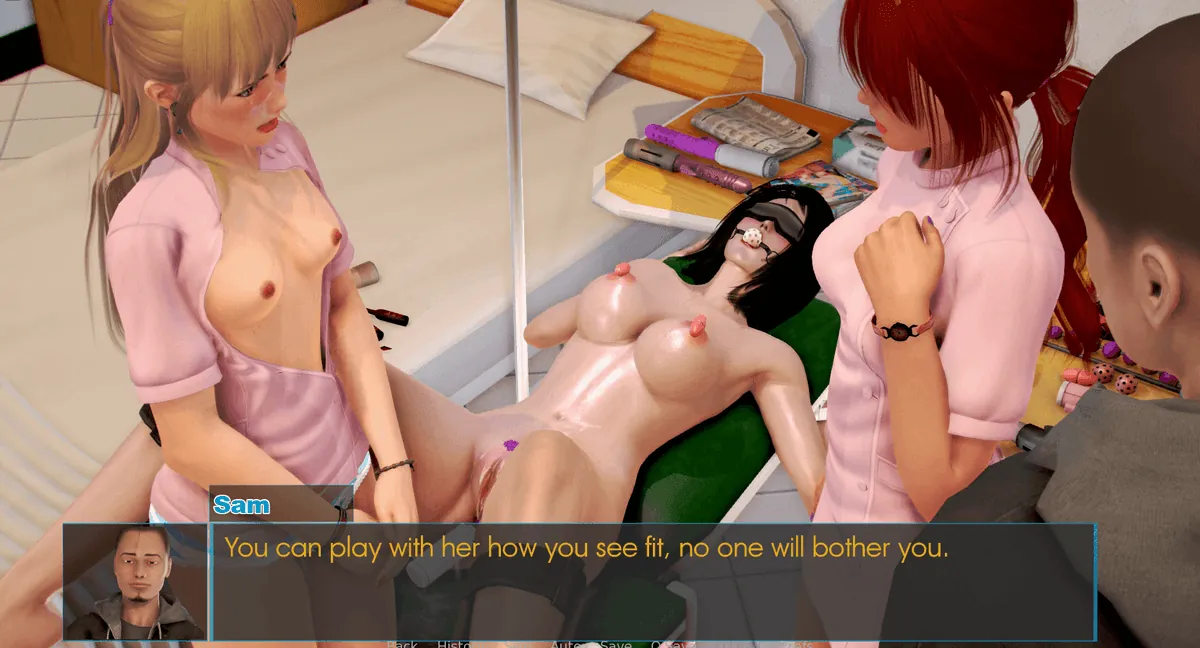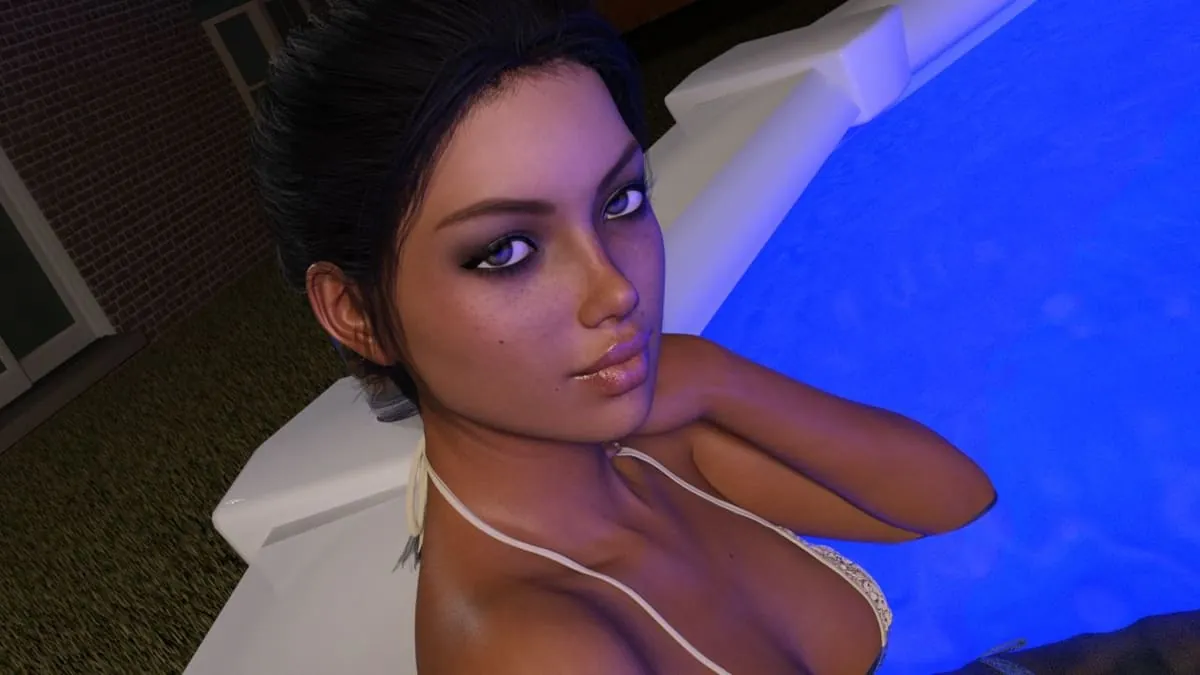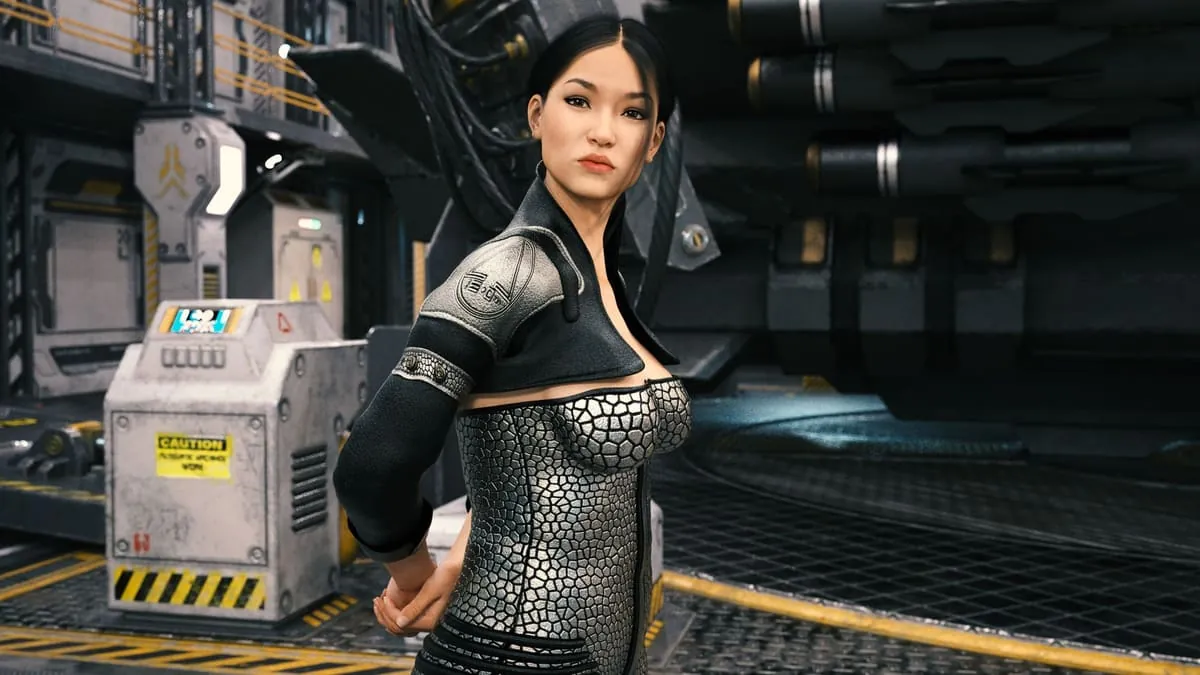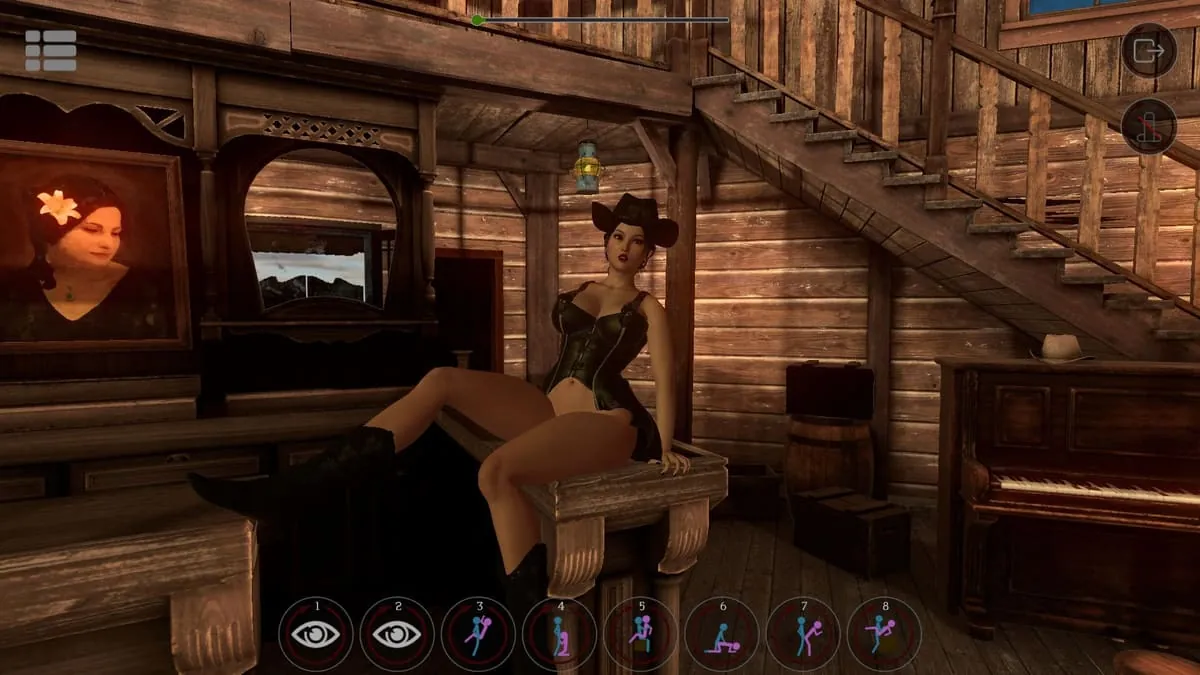
SinVR Screenshots
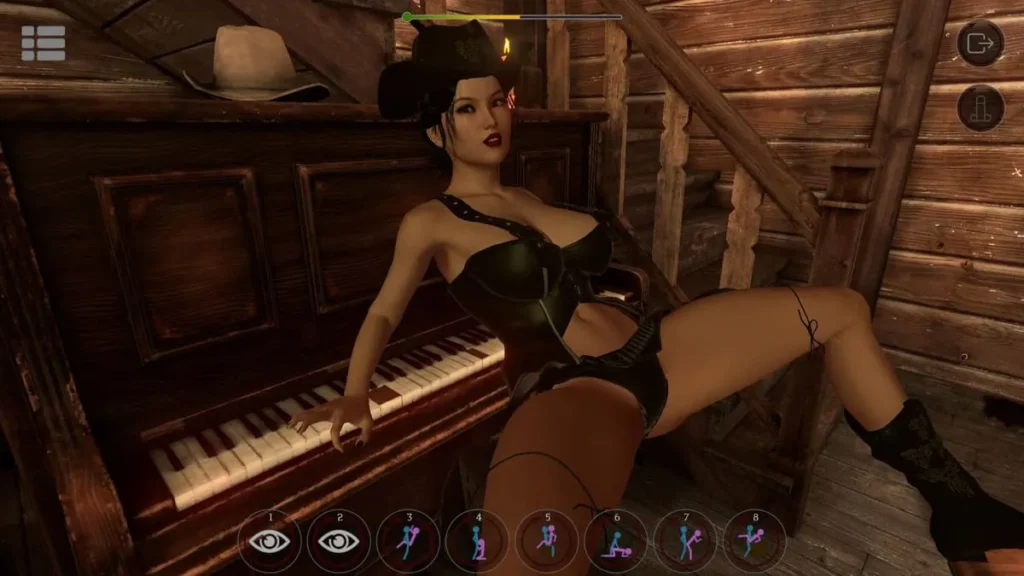
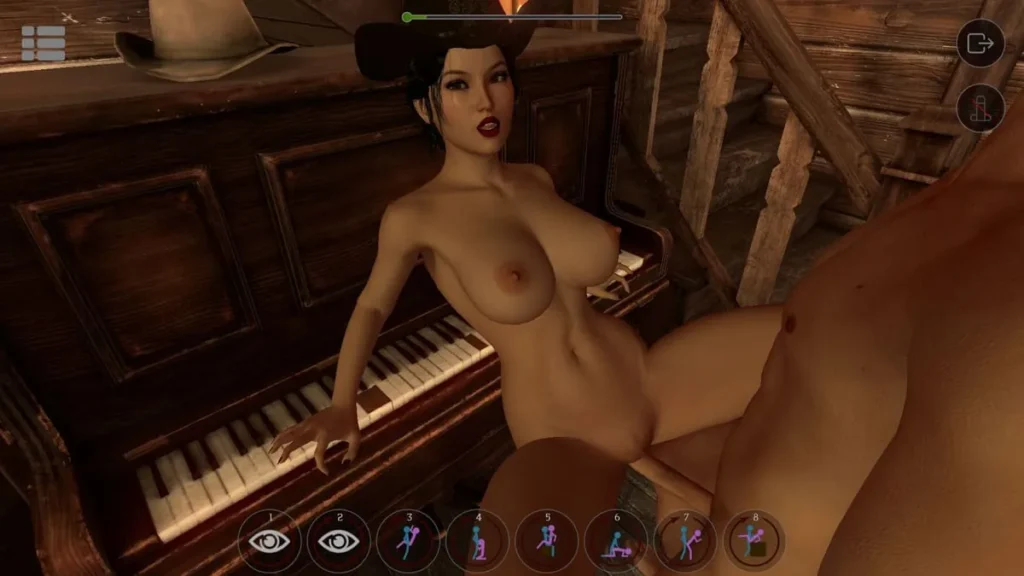
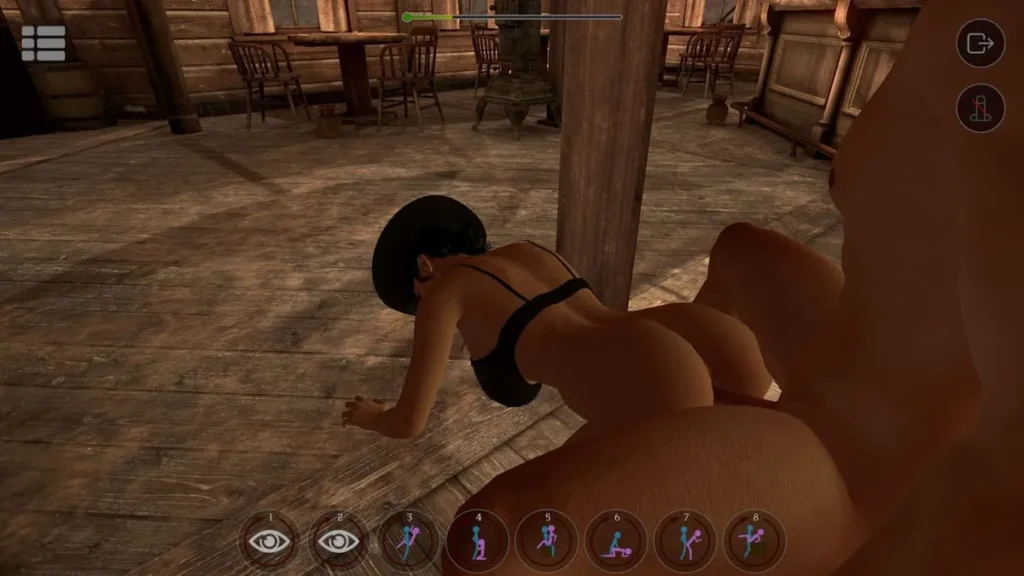
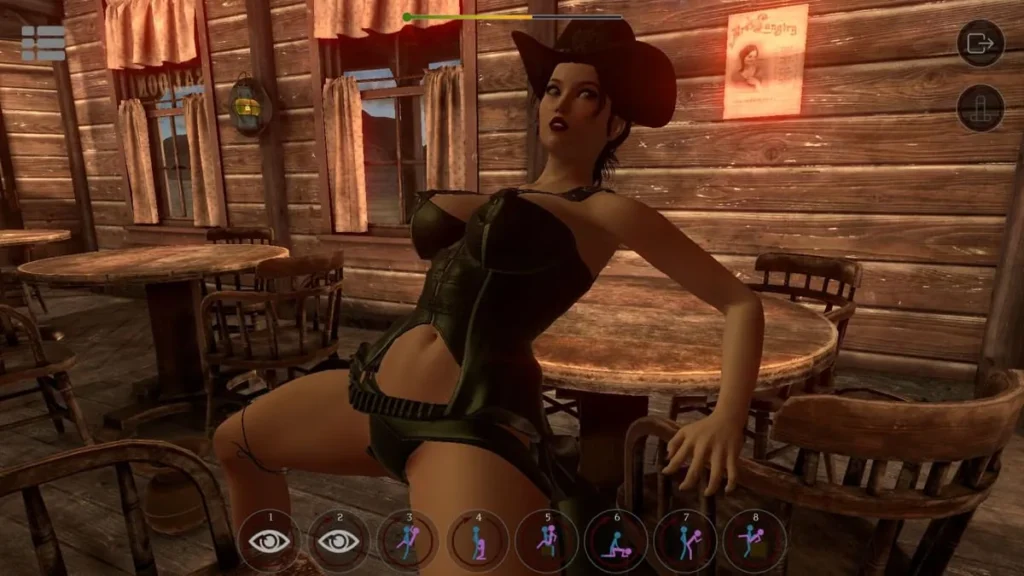
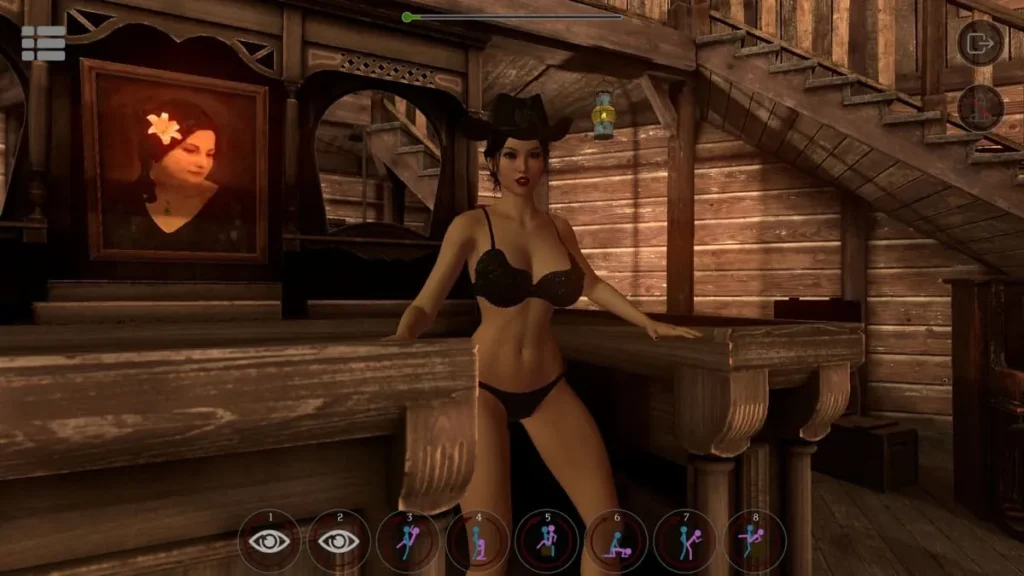
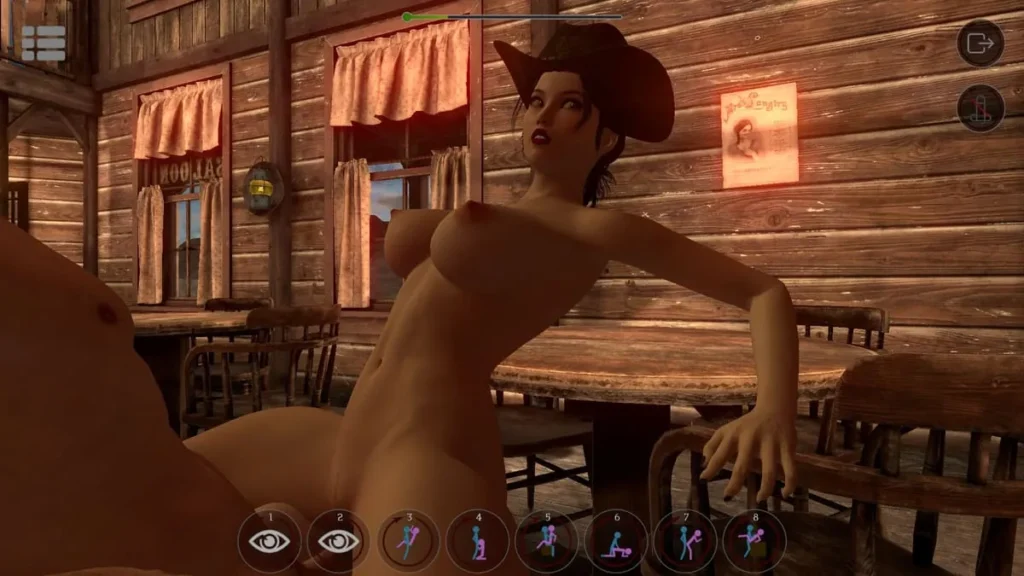
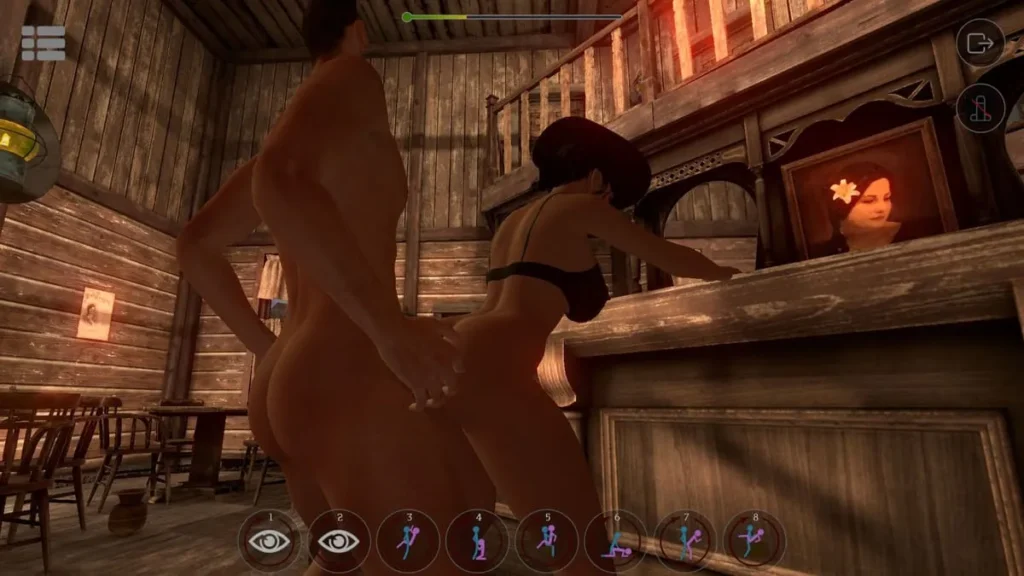
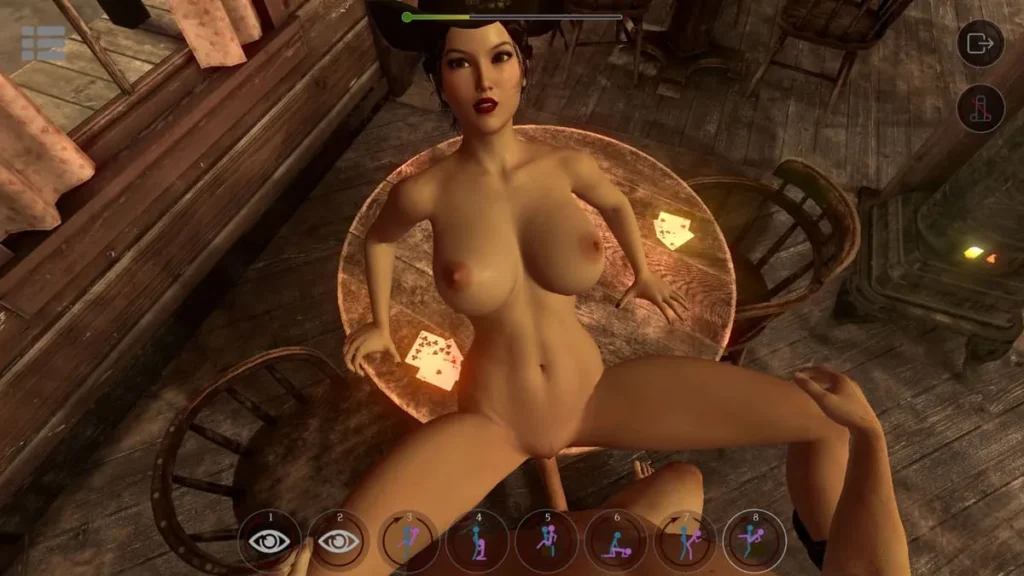
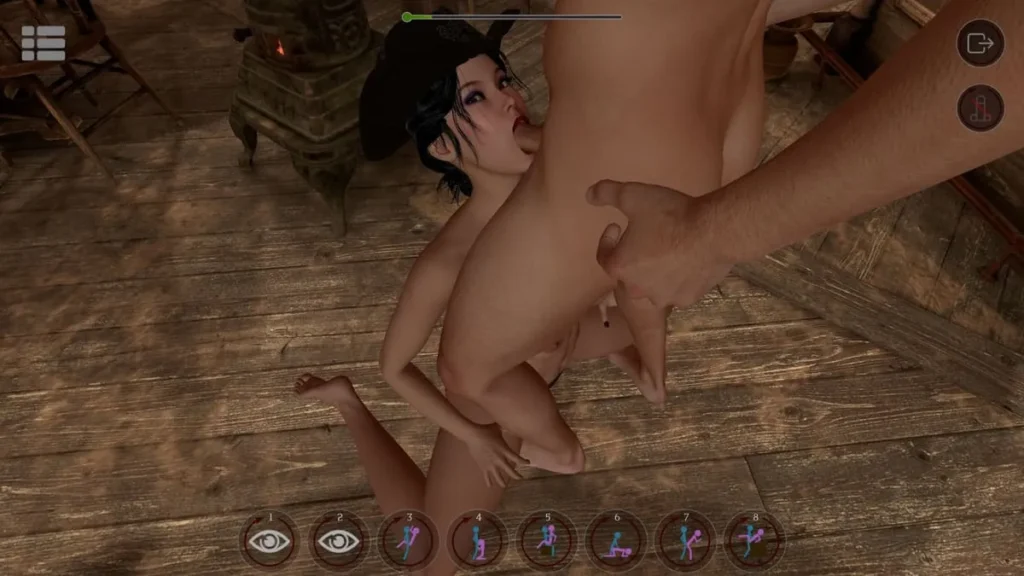
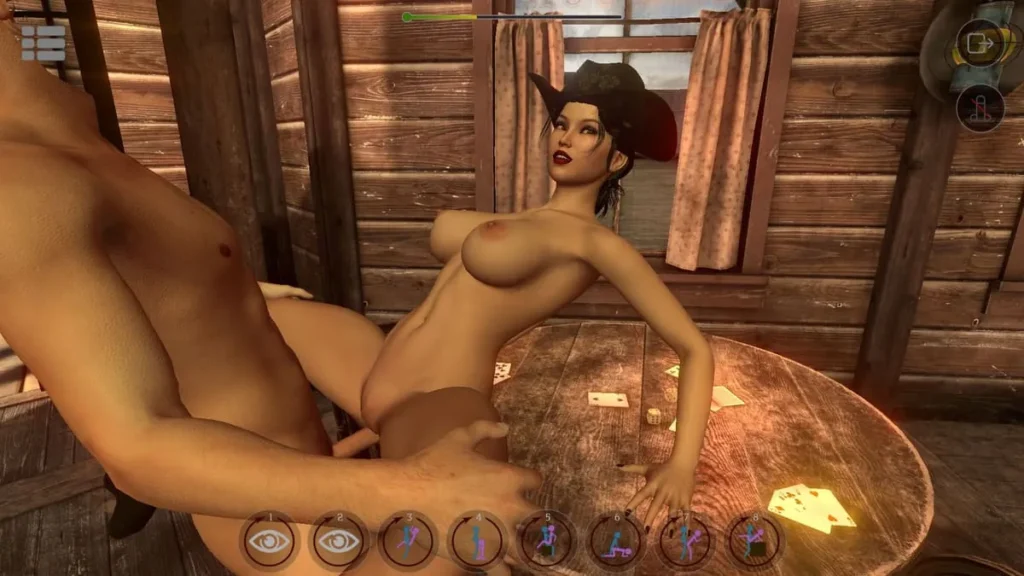
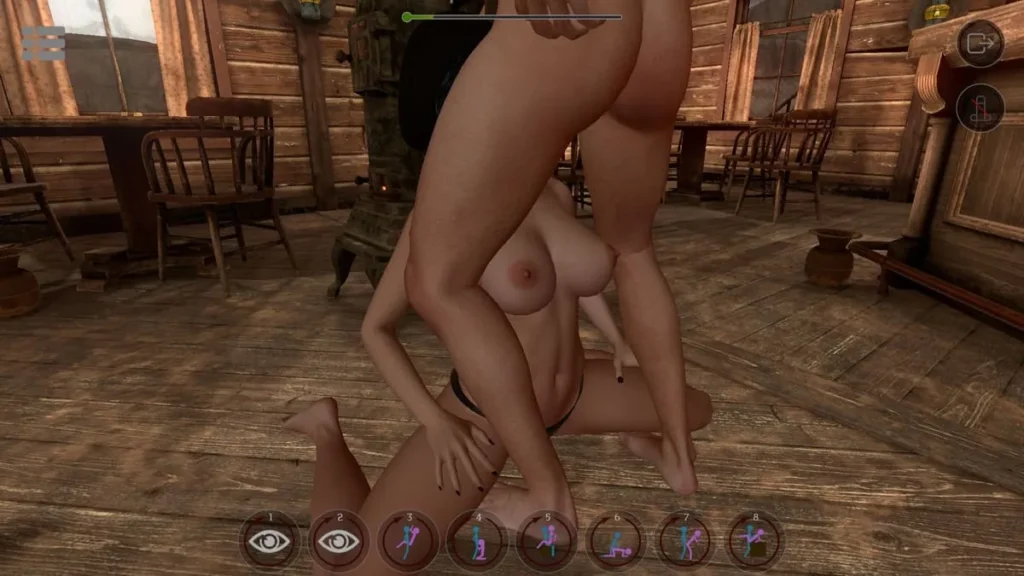
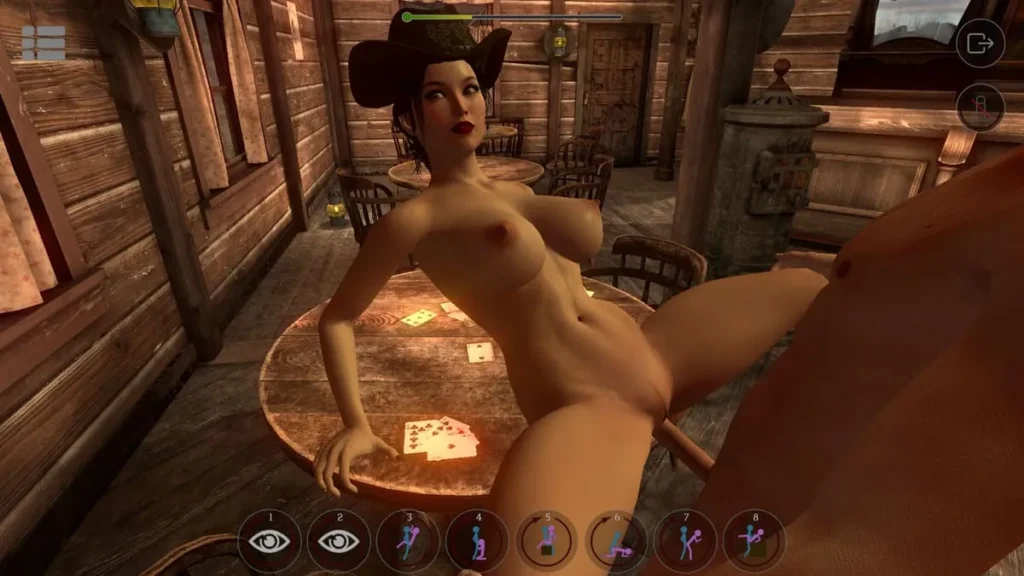
SinVR review
Complete guide to the immersive virtual reality simulation platform
SinVR stands as a pioneering adult virtual reality simulation platform that merges fantasy with interactive technology. Launched in 2016, this PC-based experience offers players the ability to engage with customizable virtual companions in a fully immersive environment. Whether you’re exploring through traditional mouse controls or diving into full VR with compatible headsets like HTC Vive and Oculus Rift, SinVR delivers a unique blend of interactive gameplay, AI-driven character behavior, and extensive customization options. This comprehensive guide explores everything you need to know about the game’s core features, available content, technical specifications, and what makes it a distinctive entry in the adult gaming landscape.
Understanding SinVR: Core Gameplay Mechanics and Features
Ever wondered what it would be like to step into a world where your choices directly shape an immersive experience, where characters react to your presence with a surprising depth of personality? That’s the core promise of SinVR. Unlike many experiences that feel like passive viewing, this platform is built from the ground up for virtual reality interaction. I remember the first time I tried it; I was expecting a simple, scripted sequence. What I got was a character who actually seemed to notice where I was standing and reacted with a glance and a shift in posture. That moment of unexpected responsiveness changed the entire feel of the simulation. This isn’t just about watching a scene unfold—it’s about being an active participant within it.
At its heart, the magic of SinVR gameplay mechanics lies in this philosophy of agency. You are not a ghost in the machine. From the moment you load in, you’re in the director’s chair, with tools designed to make the experience yours. Whether you’re exploring with a mouse and keyboard or fully immersed with VR controllers, the system is built to put intuitive control at your fingertips. Let’s peel back the layers and explore exactly what makes this virtual world tick. 🎮
What Makes SinVR’s Interactive Experience Unique?
So, what sets SinVR apart in a crowded field? It’s the seamless blend of choice, control, and consequence that defines its virtual reality interaction. Forget static, linear narratives. Here, you begin by assembling your own unique scenario from a vast library. Think of it like being a chef with a well-stocked pantry 🧑🍳. You have nearly 200 possible combinations by mixing different characters and scenes. Want to see how a particular character acts in a luxurious penthouse versus a rustic cabin? You can do that with a few clicks. This foundational choice immediately personalizes the experience.
Once inside, the SinVR gameplay mechanics truly shine. Interaction is contextual and intuitive. Using your chosen control scheme—which we’ll dive into later—you can guide the pace and flow of the encounter. A simple point and click, or a controller trigger pull, can initiate different actions, change positions, or direct focus. But it goes beyond mere button prompts. The environment and characters are designed to be reactable to. The immersive camera control VR system is a perfect example of this. You aren’t locked into a single, cinematic angle.
You can switch between several beautifully composed preset camera angles for that perfect cinematic shot, or you can take full manual control. I love using the free-movement mode to walk around the scene, to see expressions from a different perspective, or to frame a moment exactly as I imagine it. This level of directorial control is rare and turns a standard experience into your personal story. Furthermore, the platform supports a threesome mode, where the AI character behavior extends to managing interactions between two virtual companions. Watching them interact with each other, not just with you, adds a remarkable layer of authenticity and complexity to group scenarios. It feels less like triggering an animation and more like orchestrating a dynamic performance.
Pro Tip: Start with the free included character and scene to get a feel for the VR simulation controls. Once comfortable, use the “Mix & Match” feature to experiment. The unexpected combinations often lead to the most memorable and unique sessions!
AI-Driven Character Behavior and Customization Options
This is where SinVR moves from being a good simulation to a compelling one. The characters are not mannequins following a set path; they are driven by sophisticated AI character behavior systems. When we talk about AI here, we’re talking about responsive, context-aware reactions that make each character feel present. They maintain eye contact in a way that feels natural, their movements have weight and intention, and they respond to your proximity and actions. It’s that subtle glance, the shift in position when you move closer, or the change in expression that makes all the difference. It creates the illusion of a shared space, which is the holy grail of virtual reality interaction.
This intelligence is beautifully complemented by professional voice acting. Each line is delivered with emotional nuance, adding a layer of depth that text boxes or robotic voices simply cannot match. The voice gives the character a soul, making their reactions and the overall narrative feel more grounded and engaging. You’re not interacting with a silent avatar; you’re interacting with a persona.
Now, let’s talk about making these characters your own. The character customization options in SinVR are extensive and user-friendly. While you can’t sculpt every facial feature from scratch, the power lies in selection and combination. You choose from a diverse roster of characters, each with their own distinct look, style, and personality. The real fun begins when you unlock new characters and scenes through the DLC model. Remember, the base game is free-to-play and includes one full character and one scene to start your journey—a fantastic way to test the waters.
The platform’s design encourages experimentation. Once you own multiple characters and scenes, you can pair them in any combination. This “digital wardrobe” approach means your library’s value multiplies with every addition. Bought a new character? You can now experience them in every scene you own. Bought a new scene? Every character you have can explore it. This massively extends replayability and allows you to craft experiences tailored to your exact mood.
Here are the key interactive features that bring this all to life:
- Responsive AI Behavior: Characters react to your position, actions, and choices with dynamic expressions and movements.
- Professional Voice Acting: High-quality, emotive voice lines that add significant depth and personality to every interaction.
- Flexible Camera System: Choose from cinematic preset angles or take full manual control for a truly personalized viewpoint.
- Extensive Pose & Action Library: A wide variety of animations and interactions to direct the flow of the scene.
- Character & Scene Mixing: Unlock nearly 200 potential combinations by freely pairing your owned characters with any scene.
Control Systems: From Mouse to VR Controllers
Accessibility is a cornerstone of the SinVR design. The developers understand that not everyone has a high-end VR headset ready to go, and they’ve built three distinct pathways into the experience. This multi-format support ensures that the SinVR gameplay mechanics are enjoyable no matter your hardware setup. Let’s break down each method.
First, there’s the traditional mouse and keyboard setup. This is perfect for beginners or anyone who wants to explore the library and mechanics without suiting up for VR. Navigation is point-and-click, with clear on-screen menus and prompts. It’s a great way to familiarize yourself with the interface, experiment with the immersive camera control VR options using your mouse to swing the view around, and manage your content library.
Then, we have the crown jewel: full VR immersion. This is where the platform’s name earns its keep. HTC Vive Oculus Rift support is robust and native. When you use motion controllers, your hands become your hands in the virtual space. The VR simulation controls are intuitive—pointing, grabbing, and triggering interactions with your physical movements. Selecting a new pose feels as natural as pointing at a menu. This method offers the highest level of presence and makes the virtual reality interaction profoundly personal. Feeling like you are physically in the room, able to look around freely with your headset, is the definitive way to experience SinVR.
Finally, there’s the clever No-VR PC Mode. Think of this as a middle ground. You play on your desktop monitor, but instead of using a mouse to click, you use a gamepad (like an Xbox controller). This gives you smooth, analog control over the camera—you can pan, tilt, and zoom with the thumbsticks—and easy menu navigation. It offers a more relaxed, cinematic experience than mouse controls, with much smoother camera control VR mechanics, but without the full immersion of a headset.
To make choosing your method easier, here’s a quick comparison:
| Control Method | Best For | Key Features | Hardware Compatibility |
|---|---|---|---|
| Mouse & Keyboard | Beginners, browsing content, low-barrier entry | Point-and-click navigation, easy menu management | Any standard Windows PC |
| VR Controllers | Maximum immersion, physical interaction | Hand-tracking, direct object interaction, full 360° head movement | HTC Vive, Oculus Rift, and other compatible PC VR headsets |
| No-VR PC Mode (Gamepad) | Cinematic, relaxed play with smooth camera control | Analog stick camera control, comfortable couch play | PC with an Xbox-type gamepad |
My personal journey started with mouse and keyboard, but the moment I switched to my Oculus Rift, the entire experience transformed. The sense of scale, the ability to naturally look around, and the use of my hands redefined the virtual reality interaction for me. However, I still use the gamepad mode when I just want to sit back, direct the scene, and enjoy the cinematic qualities without the physical setup of VR. Having these options means SinVR fits into your life, rather than demanding you fit into its specific requirements.
Understanding these core gameplay mechanics and features—the dynamic AI, the deep customization, and the flexible control schemes—is key to appreciating what SinVR offers. It’s a platform built on the principle of user agency, inviting you to be more than a spectator. Whether you’re meticulously crafting a scene with specific character customization options, losing yourself in the responsive AI character behavior, or mastering the VR simulation controls for full immersion, every element is designed to pull you deeper into its virtual worlds. It’s this thoughtful, player-focused design that creates a truly engaging and personalized simulation experience.
SinVR represents a distinctive entry in the adult virtual reality gaming landscape, offering players an immersive experience that blends interactive gameplay with extensive customization options. From its flexible control systems that accommodate both VR enthusiasts and traditional PC gamers to its AI-driven character interactions and professional voice acting, the platform delivers on its promise of bringing fantasies to life in a virtual environment. The free-to-play model with optional DLC expansion provides an accessible entry point, though the cost of additional content should be carefully considered based on your preferences and budget. With support for major VR headsets like HTC Vive and Oculus Rift, combined with a no-VR PC mode option, SinVR accommodates various player preferences and hardware setups. While user feedback highlights both strengths in immersion and customization alongside areas for improvement in interaction depth and graphics optimization, the game continues to evolve with new content additions. Whether SinVR aligns with your interests ultimately depends on your expectations for adult gaming experiences, your VR equipment availability, and your willingness to invest in DLC content. For those seeking an interactive virtual reality experience with substantial customization options and professional production values, SinVR offers a compelling option worth exploring through its free base content before deciding on premium expansions.